Reference
Quality levels
Four tiers, from a 40-cell grid to an 80-cell one. The tier sets the fluid grid, the raymarch and the volume buffer resolution. Changing it rebuilds the solver and clears the fields.
const magic = await MagicSystem.create({ renderer, scene, camera, quality: 'medium' });
magic.setQualityLevel('ultra');   // rebuilds the solver: the fluid starts empty again
magic.quality;                    // 'ultra'
magic.qualitySettings; // { n, steps, scale, jacobi, lsteps, fsteps, maccormack, label }#At a glance
| Tier | Grid | Voxels | Ray steps | Volume res | Jacobi | Advection |
|---|---|---|---|---|---|---|
low | 40 × 60 × 40 | 96 K | 84 | 0.5 × | 12 | semi-Lagrangian |
medium | 52 × 78 × 52 | 211 K | 112 | 0.6 × | 18 | MacCormack |
high | 64 × 96 × 64 | 393 K | 140 | 0.72 × | 24 | MacCormack |
ultra | 80 × 120 × 80 | 768 K | 190 | 1.0 × | 32 | MacCormack |
On an Apple M5 at 1280 × 720, high reaches the 120 fps display cap when the GPU isn't shared with other work.
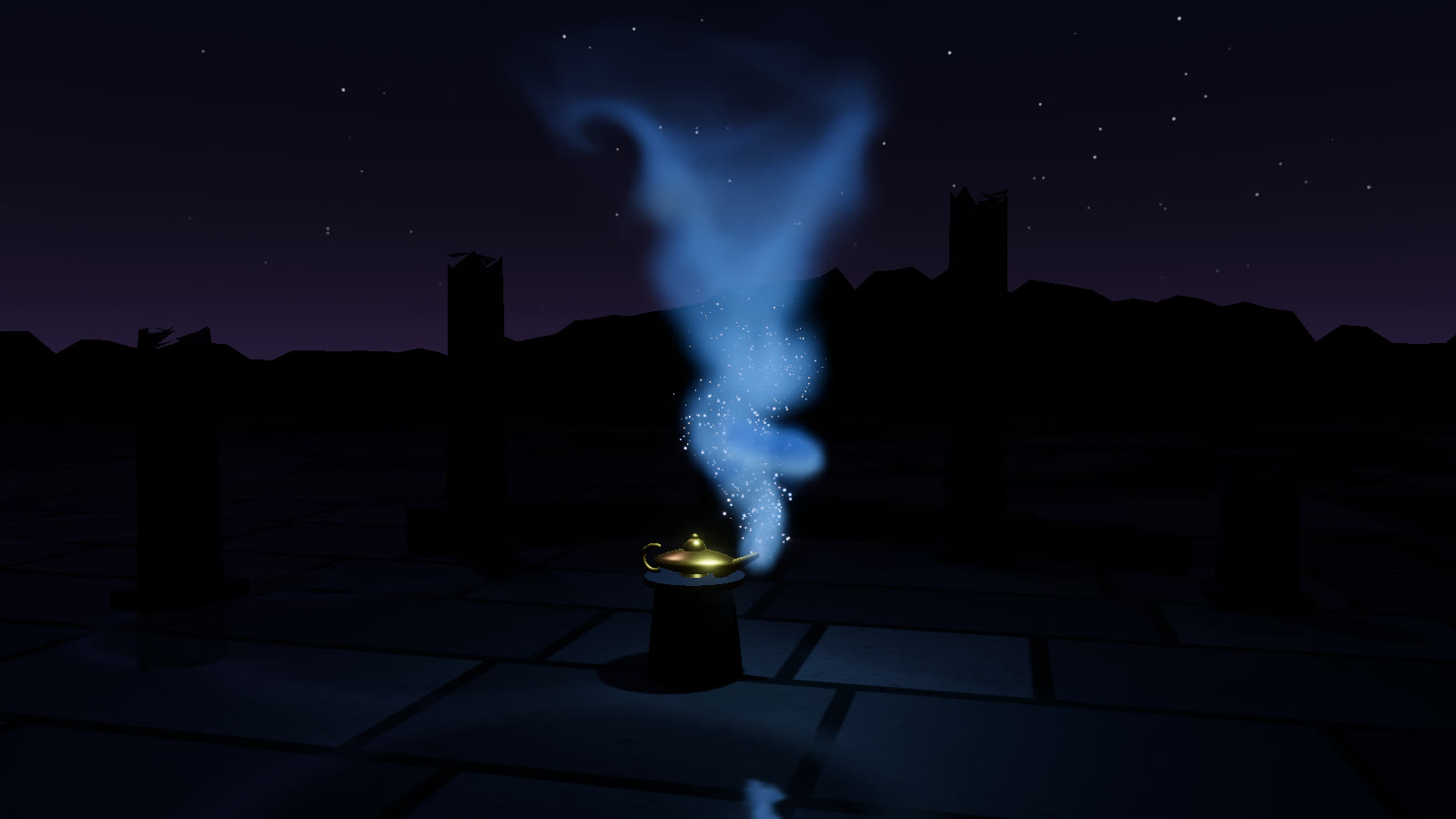
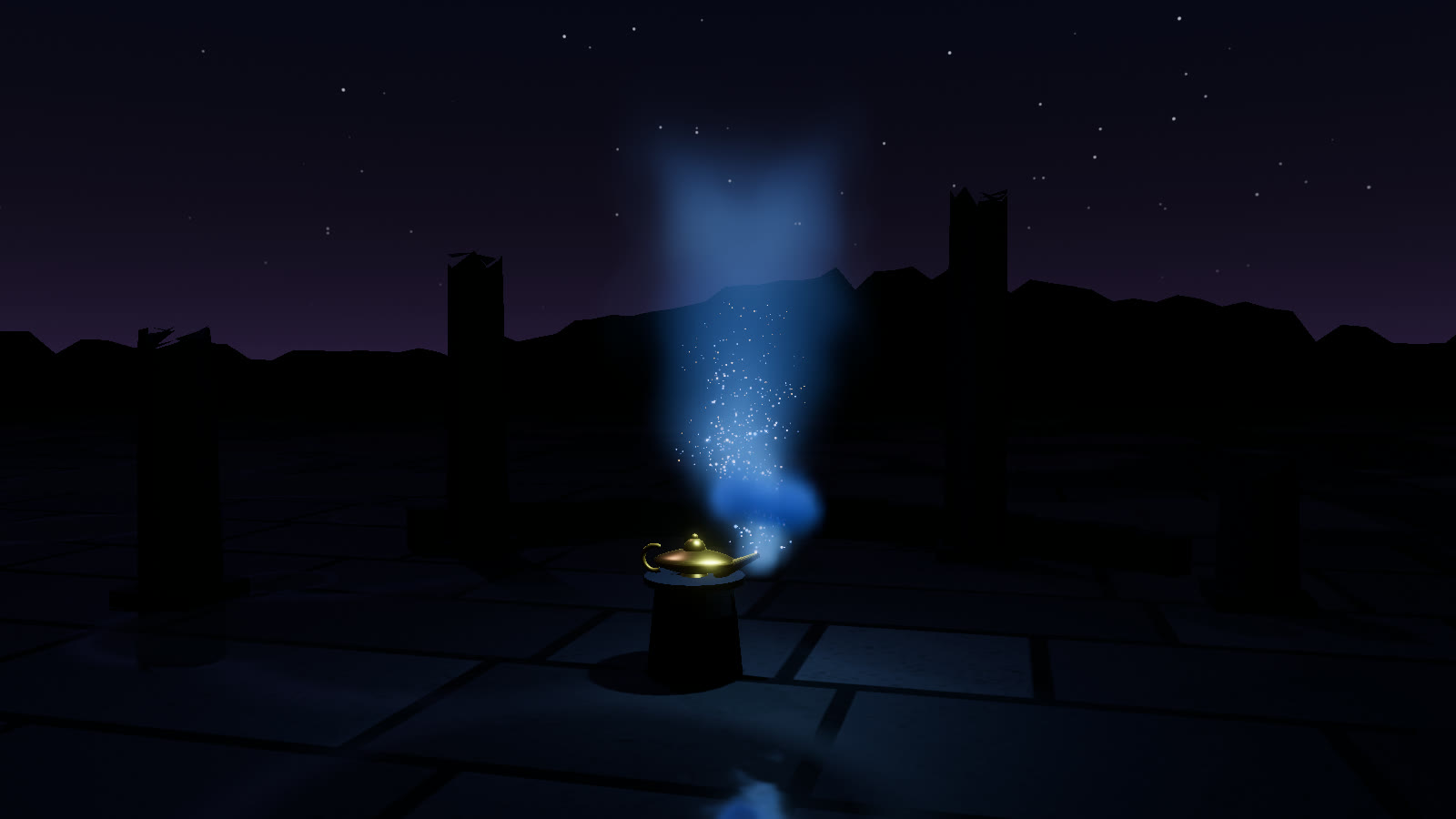
genieLamp on low (0.1 m cells, semi-Lagrangian) and on ultra (0.05 m cells, MacCormack), 1600 × 900.#Every field
| Field | low | medium | high | ultra | |
|---|---|---|---|---|---|
n | 40 | 52 | 64 | 80 | Grid cells along x and z; y is 1.5 × n |
steps | 84 | 112 | 140 | 190 | Raymarch steps across the domain diagonal |
scale | 0.5 | 0.6 | 0.72 | 1.0 | Volume buffer resolution relative to the drawing buffer |
jacobi | 12 | 18 | 24 | 32 | Pressure-solve iterations |
lsteps | 8 | 10 | 12 | 14 | Light-volume steps toward the key light |
fsteps | 6 | 8 | 8 | 10 | Light-volume steps toward the glow centroid |
maccormack | false | true | true | true | Second-order advection of velocity, state and dye |
label | LOW | MED | HIGH | ULTRA | HUD label |
The cell size is domain.width / n: with the default 4 m box that's 0.1 m on low, 0.077 m on medium, 0.0625 m on high and 0.05 m on ultra. A larger box keeps the same cell count, so its cells are larger.
#Retina screens
The volume is the expensive part on screen, and its buffer is sized from the drawing buffer. So that high-DPI screens don't pay 4× for it, the volume's pixel budget is capped at 1.5 device pixels per CSS pixel: at a pixel ratio of 2, the effective scale on high is 0.72 × 0.75 = 0.54. The scene and the composite still run at full resolution.
The demo also caps the renderer itself with renderer.setPixelRatio(Math.min(devicePixelRatio, 1.5)), as do both examples.
#Choosing a tier at runtime
MagicSystem doesn't adapt on its own. The demo's approach is a good starting point: measure for a few seconds after load and step down if it's slow.
const order = Object.keys(QUALITY_LEVELS);   // ['low', 'medium', 'high', 'ultra']
let t = 0, frames = 0;
function adapt(dt) {                         // call each frame for the first few seconds
  t += dt; frames++;
  if (t < 4) return;
  const fps = frames / t, i = order.indexOf(magic.quality);
  if (fps < 28 && i > 0) magic.setQualityLevel(order[i - 1]);
  t = 0; frames = 0;
}
The demo uses the same 28 fps threshold, measures from 1.5 s after loading, and stops once a tier holds. Because a tier change clears the fluid, adapt early, before the user is watching an effect build up.
#Cheaper without changing tier
params.post.temporal: 0skips the temporal accumulation pass. Expect shimmer.MagicSystem.create({ …, glowShadows: false })ormagic.glowLight.castShadow = falsedrops the glow light's shadow map. A point light's shadow renders your scene six times.magic.sparks.enabled = falsestops drawing the 4096 sparks. Their small simulation pass still runs.