Start here
The demo
A moonlit stone courtyard with a prop for each of the seven effects, the full control panel and drag interactions. It runs from the package with npm run dev, and in your browser right here.
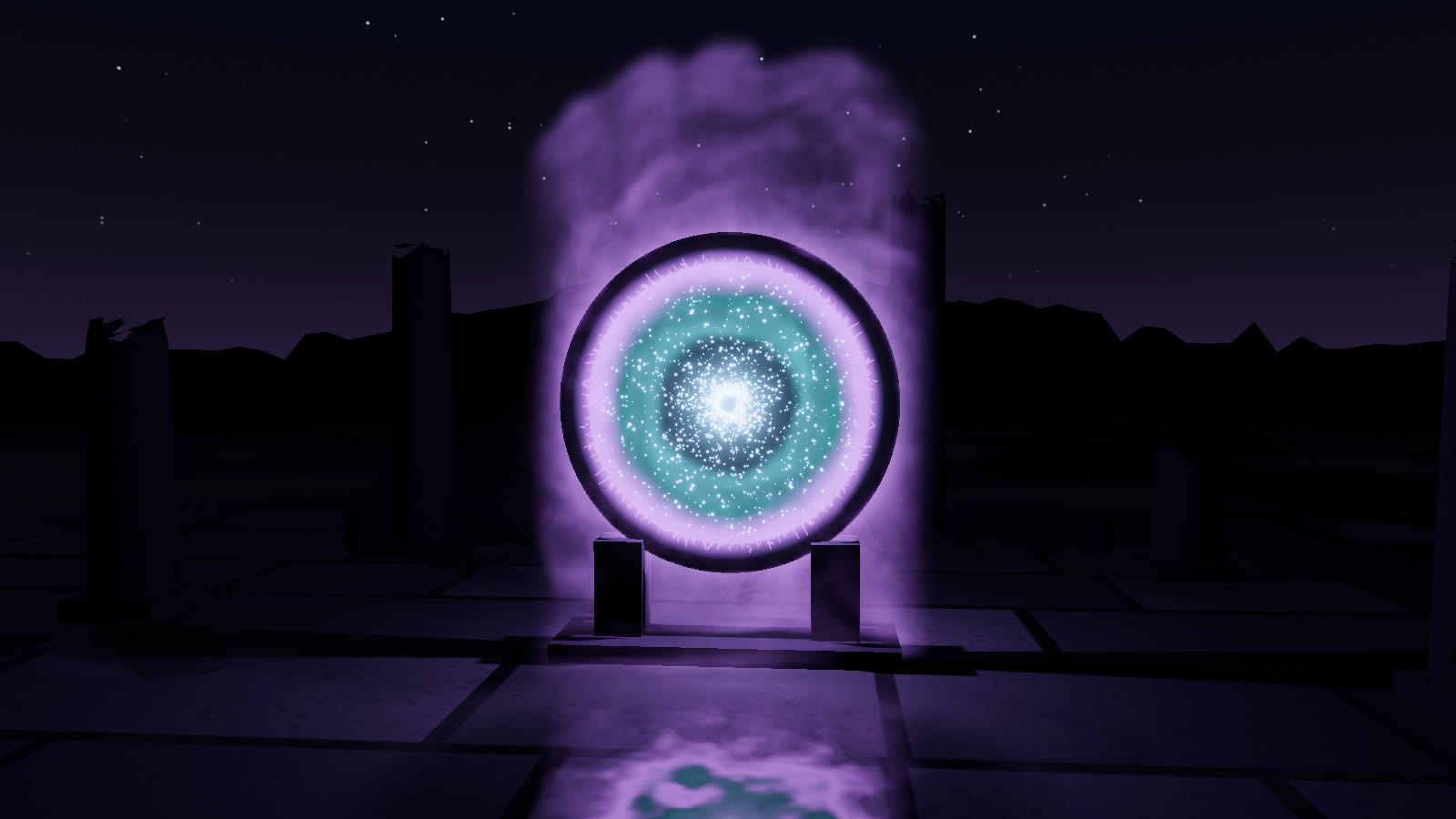
npm run build:demo. Press 1–7 to switch effects, click empty space to cast a burst, and drag the props.#Controls
#Keys
| Key | Action |
|---|---|
| 1 – 7 | Portal, genie lamp, ink, spell orbs, vortex rings, dragon breath, force field |
| B or Space | Burst of dye at a random spot (a drop of ink in the ink tank) |
| R | Clear the fluid, sparks and in-flight rings |
| H | Hide or show the interface |
#Mouse
| Input | Action |
|---|---|
| Drag a prop | Move its effect: the portal ring, the lamp, the cannon, the dragon, the spell altar or the energy sphere |
| Click empty space | A burst of dye where you clicked. In the ink tank, a drop of ink |
| Drag empty space | Orbit the camera |
| Scroll | Zoom (3 – 24 m from the target) |
Props that stand on the floor slide along it. The spell altar and the energy sphere move in the camera plane. Each drag is clamped to stay inside the simulation box.
#Panel
| Control | What it does |
|---|---|
| Examples | The same seven presets as the number keys. The camera eases to a framing for each |
| Dye | Recolours every effect with setColor(). The first swatch (example palette) restores each effect's own colours. Bursts use the chosen colour, or a random one from the palette |
| Burst / Clear | The same as B and R |
| Swirl, Density, Buoyancy, Dissipation, Glow, Speed | The six params.controls multipliers. See artist controls |
| Quality | Low, Med, High, Ultra (setQualityLevel, which clears the fields) |
| Self-shadow | render.selfShadow |
| Glow light | setLightsEnabled(): the emission-driven point light and the spell orbs' lights |
| Sparks | magic.sparks.enabled |
| Orbit | Slow camera auto-rotation |
| Copy preset JSON | JSON.stringify(magic.getParams(), null, 2) to the clipboard, or to the console if the clipboard is blocked |
The HUD in the lower left shows the grid size, the voxel count and ray steps, the glow power with its measured colour and the smoke amount, and the fps with the tier label.
#What the courtyard adds
The demo scenery (demo/scenery.js) is not part of the library. It supplies the props, a moonlit sky dome, a moon light aimed along each preset's lighting.keyDirection, and a stone floor patched with patchReflectiveFloor() so the volume reflects in it. It also ties a few props to the effects' live state:
- the portal's rune ring takes the portal's current
colors[0], - the dragon's eyes take
dragonBreath.color, - the three force-field vents take their emitters' colours.
#Automation contract
The demo exposes window.__pro, the same contract every NatureGL demo uses. npm test and the docs' media capture drive the demo through it.
window.__pro = {
  ready: true,                 // after the first two frames rendered
  system: magic,               // the MagicSystem
  presets: ['portal', 'genieLamp', 'ink', 'spellOrbs', 'vortexRings', 'dragonBreath', 'forceField'],
  qualities: ['low', 'medium', 'high', 'ultra'],
  applyPreset(name) {},        // loads the preset, shows its props, eases the camera
  setQuality(level) {},        // turns adaptive quality off
  // demo extras
  camera, controls, anchor,    // anchor: the draggable prop position (Vector3)
};